
Encrypted Cloud Storage: What’s Actually Worth Paying For in 2026
Encrypted Cloud Storage: What’s Actually Worth Paying For
Cloud storage is convenient and practically necessary in 2026. But not all cloud storage is equally private. The distinction between “encrypted” (which all major providers claim) and “end-to-end encrypted” (which most do not offer) matters significantly for sensitive files.
Encrypted storage is part of our complete digital privacy guide. This article helps you choose the right solution for your needs.
Standard vs End-to-End Encryption
Standard encryption (Google Drive, Dropbox, OneDrive): Your files are encrypted in transit and on the server, but the provider holds the keys. They can decrypt your files if compelled by law enforcement or in the event of an internal breach. For photos, general documents, and non-sensitive files, this is perfectly adequate.
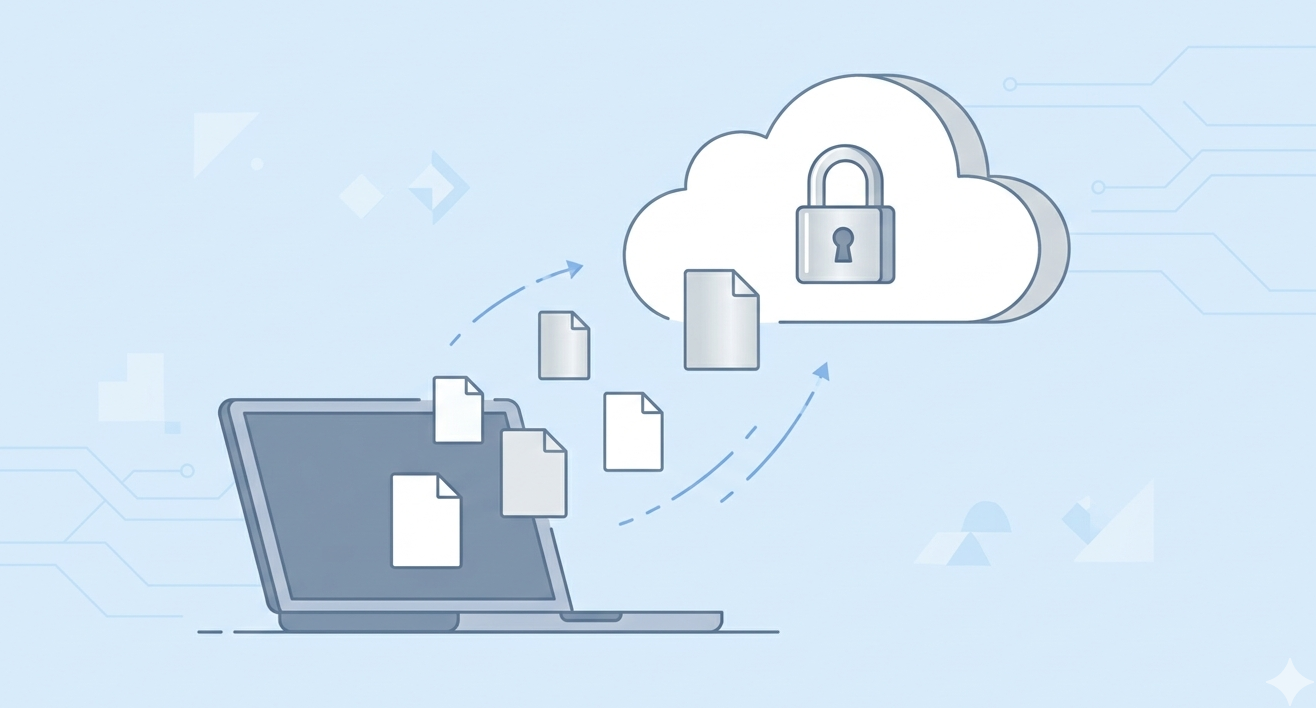
End-to-end encryption (Proton Drive, Tresorit, Cryptomator): Your files are encrypted on your device before upload. The provider never has the keys and cannot access your files under any circumstances. Essential for tax documents, legal files, medical records, financial statements, and any sensitive business data.
Your Options
Proton Drive: Free tier (1GB), paid plans from $4/month. Full end-to-end encryption, Swiss jurisdiction, integrates with ProtonMail. Best for people already using Proton services.
Tresorit: From $10/month. The most comprehensive security features including zero-knowledge sharing and compliance certifications (GDPR, HIPAA). Best for business use or people handling highly sensitive data.
Cryptomator (free, open-source): Creates encrypted vaults inside your existing cloud storage. Works with Google Drive, Dropbox, OneDrive — any sync service. Your files are encrypted locally before syncing. Best for people who want to keep their current cloud provider but add encryption.
For the complete digital security framework, see our complete digital privacy guide.
Ryan Nakamura is a software engineer with 12 years of experience at Fortune 500 tech companies. He specializes in security, privacy, and developer tools.
Last reviewed: March 2026
Disclaimer: Product recommendations are based on independent research. We are not sponsored by any company mentioned. Prices and features may change.