Best Webcams for Remote Work: Clear Video Calls Without Overspending
Best Webcams for Remote Work: Clear Video Calls Without Overspending
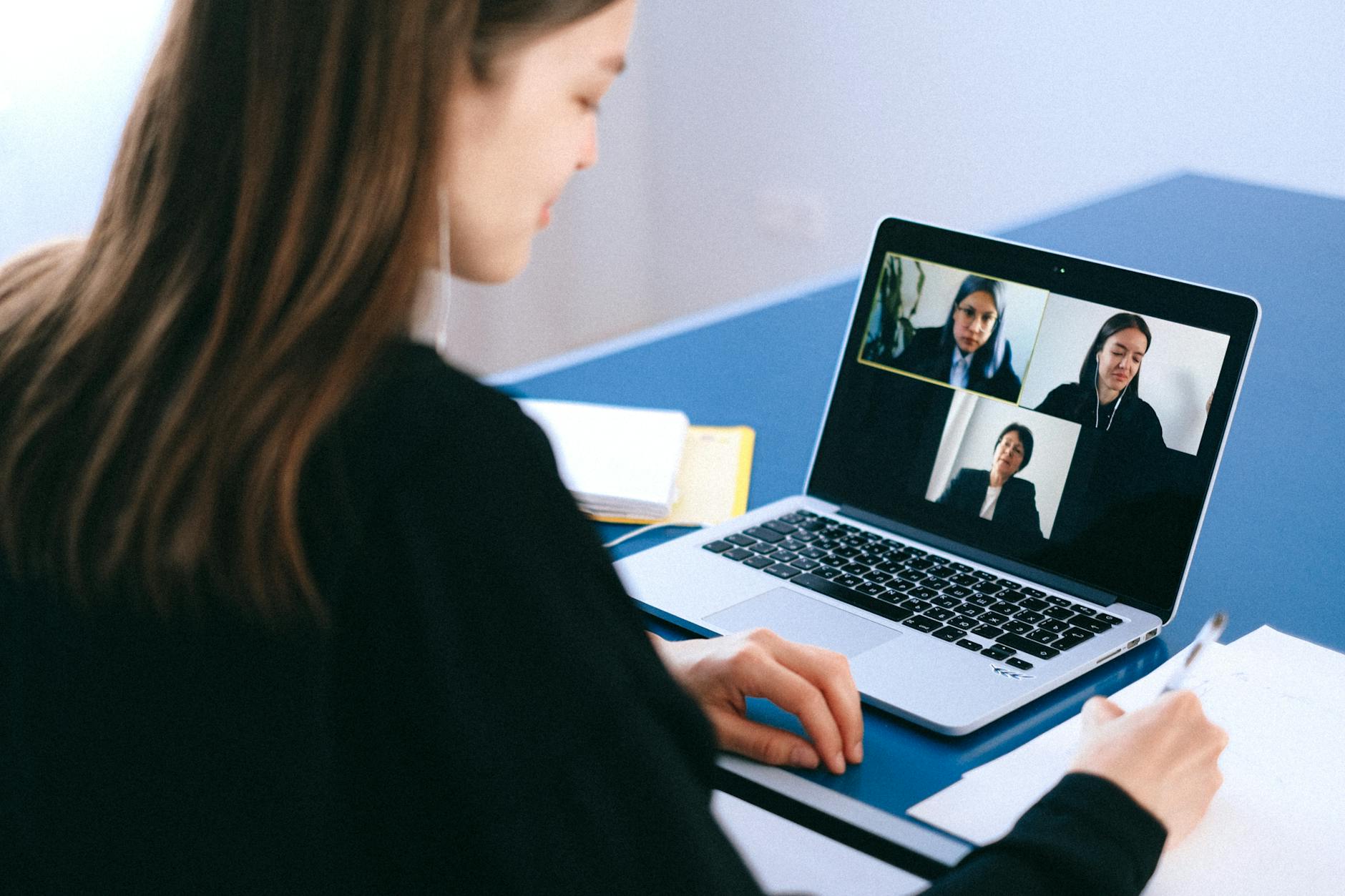
Your webcam is how colleagues, clients, and managers see you. A grainy, poorly lit 720p laptop camera communicates something — and it is not professionalism. An external webcam is one of the highest-ROI investments for anyone who does regular video calls, and good options start at $50.
Webcams are part of the audio/video setup in our complete home office guide.
What Actually Matters in a Webcam
Resolution: 1080p is the sweet spot. It is noticeably sharper than 720p on any screen. 4K is overkill for video calls — most platforms compress to 1080p anyway, and 4K webcams cost 3-4x more.
Low-light performance: This matters more than resolution. A webcam with a large sensor and good noise processing looks better in a dim room at 1080p than a 4K webcam in the same conditions. Home offices rarely have studio lighting — low-light capability is critical.
Auto-focus: Fixed-focus webcams look soft if you lean forward or back. Auto-focus keeps you sharp at any distance. Most webcams above $50 include it.
Field of view: 78-90 degrees is ideal for individual use. Wider (110+) captures too much background. Narrower (65) crops too tight for natural framing.
Recommendations by Budget
Under $50: Anker PowerConf C200 — 2K resolution, auto-focus, good noise reduction microphone. Best value webcam available. Punches well above its price.
$50-$80: Logitech C920s — The industry standard for a decade. Reliable 1080p, good auto-focus, physical privacy cover. Compatible with everything. Cannot go wrong.
$80-$130: Logitech Brio 100/300 — Better low-light sensor, auto light correction, noise-reducing mic. The upgrade is primarily in image quality in imperfect lighting.
$130+: Elgato Facecam — Studio-grade optics, no compression artifacts, full manual controls. For content creators and people who are on camera professionally. Overkill for standard meetings.
Browse Webcams for Remote Work
1080p auto-focus webcams with great low-light performance. Look professional on every call.
Quick Setup Tips
Mount the webcam at eye level (top of your monitor). Position your primary light source in front of you, not behind you (backlight creates a silhouette). Test your setup with a quick recording before important calls. Close unnecessary background apps — video calls use significant CPU, and lag is worse than low resolution.
For the complete home office setup, see our home office guide.
Ryan Nakamura is a software engineer with 12 years of experience in productivity hardware and security tools.
Last reviewed: April 2026
Disclaimer: Product recommendations are based on independent research. Prices and availability may change.