
Best USB-C Hubs for MacBook and Laptop: One Cable to Rule Them All
Best USB-C Hubs for MacBook and Laptop: One Cable to Rule Them All
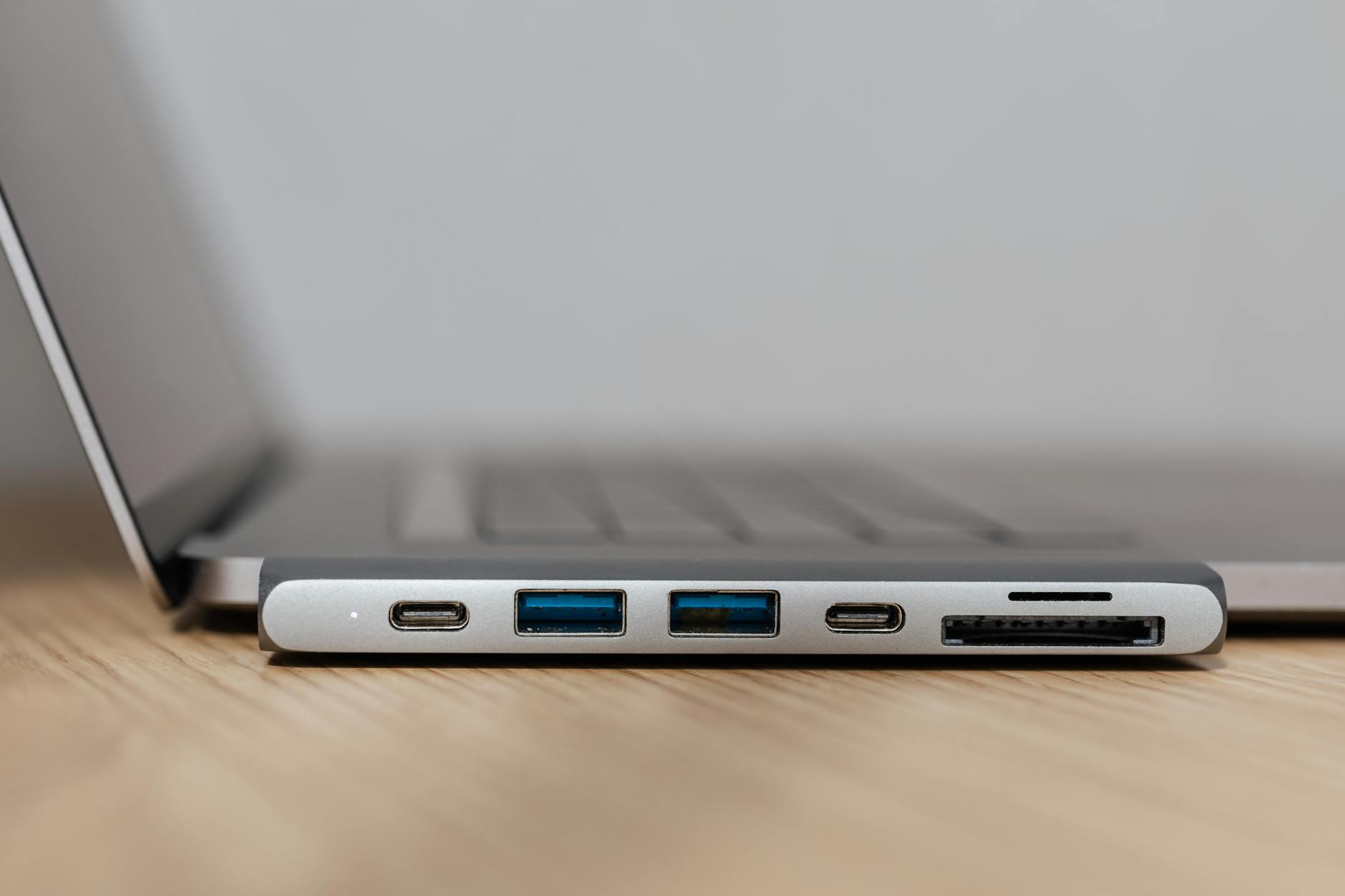
Modern laptops ship with fewer ports every year. The MacBook Air has two USB-C ports. Most Windows ultrabooks have three or four. A USB-C hub solves this by turning one port into many — HDMI for your monitor, USB-A for peripherals, SD card slot, ethernet, and power delivery all through a single cable. Plug it in and your entire desk setup connects instantly. Unplug and go.
A USB-C hub is the cable management secret weapon in our complete home office guide.
What Ports Actually Matter
HDMI (essential): Connects to external monitors. Look for HDMI 2.0 (4K@60Hz) at minimum. Some hubs include two HDMI ports for dual-monitor setups.
USB-C Power Delivery (essential): Passes power through to charge your laptop while using the hub. Look for at least 60W PD (100W for larger laptops like 16″ MacBook Pro).
USB-A 3.0 (essential): For keyboards, mice, flash drives, and older peripherals. At least 2 ports recommended.
Ethernet (useful): Gigabit ethernet for stable, fast wired connection. Critical if your Wi-Fi is unreliable for video calls.
SD card reader (situational): Essential for photographers. Unnecessary for everyone else.
Recommendations
Budget ($25-$40): Anker 7-in-1 USB-C Hub — HDMI 4K@30Hz, 2x USB-A, USB-C PD 85W, SD/microSD. Compact, reliable, excellent value. The most recommended budget hub by tech reviewers.
Mid-range ($50-$80): CalDigit USB-C SOHO Dock or Anker 555 — HDMI 4K@60Hz, ethernet, multiple USB-A, 85-100W PD. Better build quality and faster data transfer.
Premium ($150-$300): CalDigit TS4 or Anker 777 — Full docking station with 15+ ports, dual 4K monitor support, 90-100W PD, Thunderbolt 4. For power users with complex setups.
Browse USB-C Hubs
One cable connects your entire desk. HDMI, USB, ethernet, power delivery.
For the complete desk setup including monitor and peripherals, see our home office guide.
Ryan Nakamura is a software engineer with 12 years of experience in productivity hardware and security tools.
Last reviewed: April 2026
Disclaimer: Product recommendations are based on independent research. Prices and availability may change.