Best Desk Accessories for Productivity: What Actually Makes a Difference
Best Desk Accessories for Productivity: What Actually Makes a Difference
The desk accessories market is flooded with products that look great on Instagram but add zero functional value to your workday. A $40 succulent planter does not make you more productive. A $15 cable clip that keeps your charging cable from falling behind the desk does. This article separates the genuinely useful from the merely decorative.
Desk accessories complement your core setup. See our complete home office guide for the foundational equipment.
Tier 1: Actually Improves Your Workday
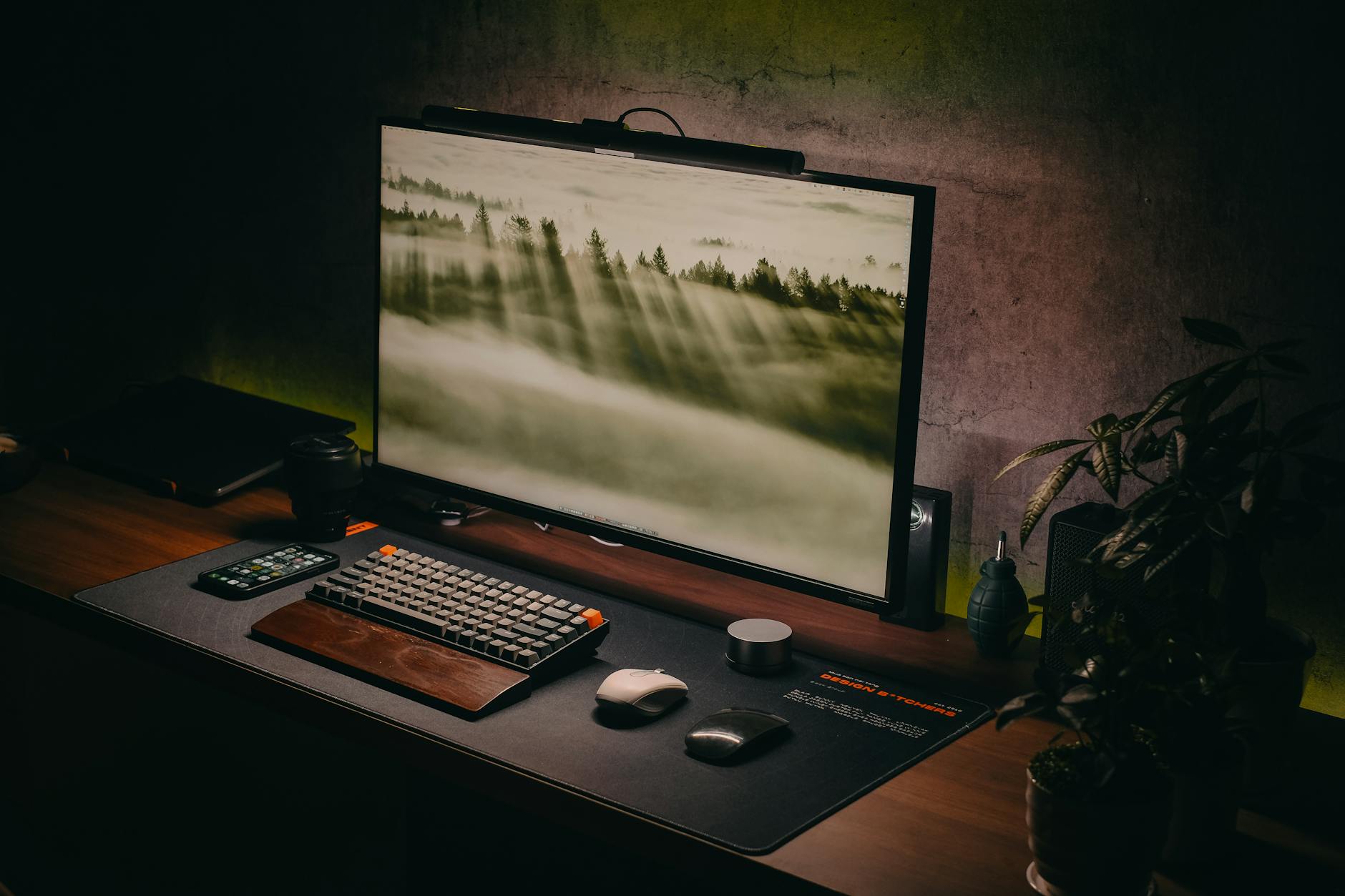
Monitor Light Bar ($30-$100): This is the most underrated desk accessory. A light bar mounts on top of your monitor and illuminates your desk surface without creating screen glare. Eye strain from poor desk lighting is one of the most common causes of afternoon fatigue and headaches. The BenQ ScreenBar is the premium option ($100); budget alternatives from Quntis and Baseus ($30-$50) perform nearly as well.
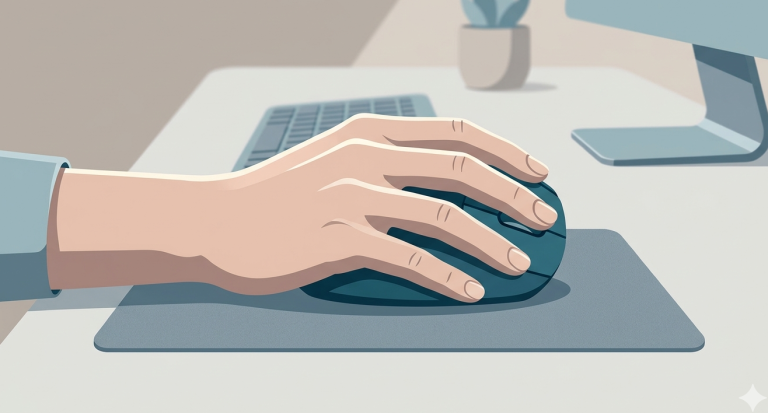
Desk Mat ($15-$30): A large desk mat (31×15 inches or bigger) provides a consistent surface for your mouse, protects your desk from scratches and coffee rings, and reduces noise from keyboard and mouse use. Felt, leather, and cork options each have different aesthetics — functionality is similar across materials.
Wireless Charging Pad ($15-$25): Eliminates one cable from your desk and the daily plug-unplug cycle for your phone. Place it on your desk mat and drop your phone on it when you sit down. The convenience sounds minor but removes a small friction 5-10 times per day.
Browse Desk Accessories
Monitor light bars, desk mats, wireless chargers. The accessories that actually matter.
Tier 2: Nice to Have
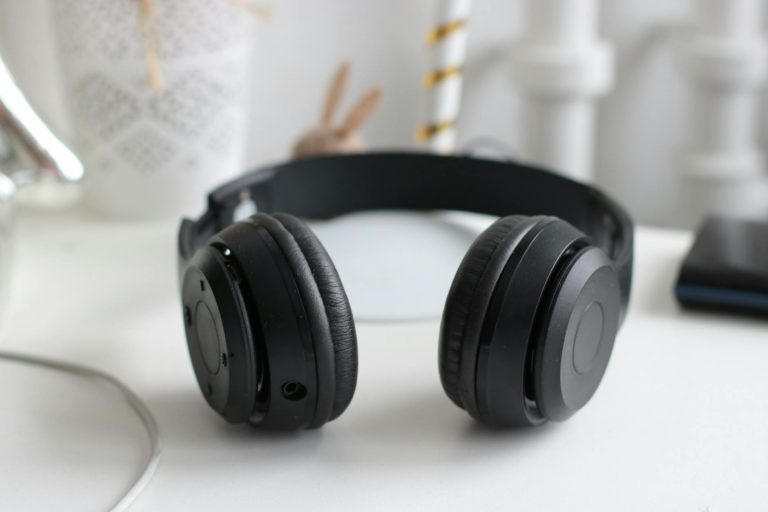
Headphone stand ($10-$20): Keeps headphones off your desk surface and prevents cable tangling. A simple under-desk hook ($5) works equally well. USB desk fan ($15-$25): Useful if your office runs warm. Silent models exist. Desk shelf/monitor riser ($25-$50): Raises your monitor to eye level if your monitor does not have height adjustment. Can also store items underneath.
What to Skip
RGB lighting strips (distraction, not productivity). Desk toys and fidget tools (novelty that fades). Expensive pen holders (your keyboard is your primary input device). Smart speakers on your desk (notification interruptions outweigh convenience).
For the complete setup guide including chair, desk, and monitor, see our home office guide.
Ryan Nakamura is a software engineer with 12 years of experience in productivity hardware and security tools.
Last reviewed: April 2026
Disclaimer: Product recommendations are based on independent research. Prices and availability may change.